


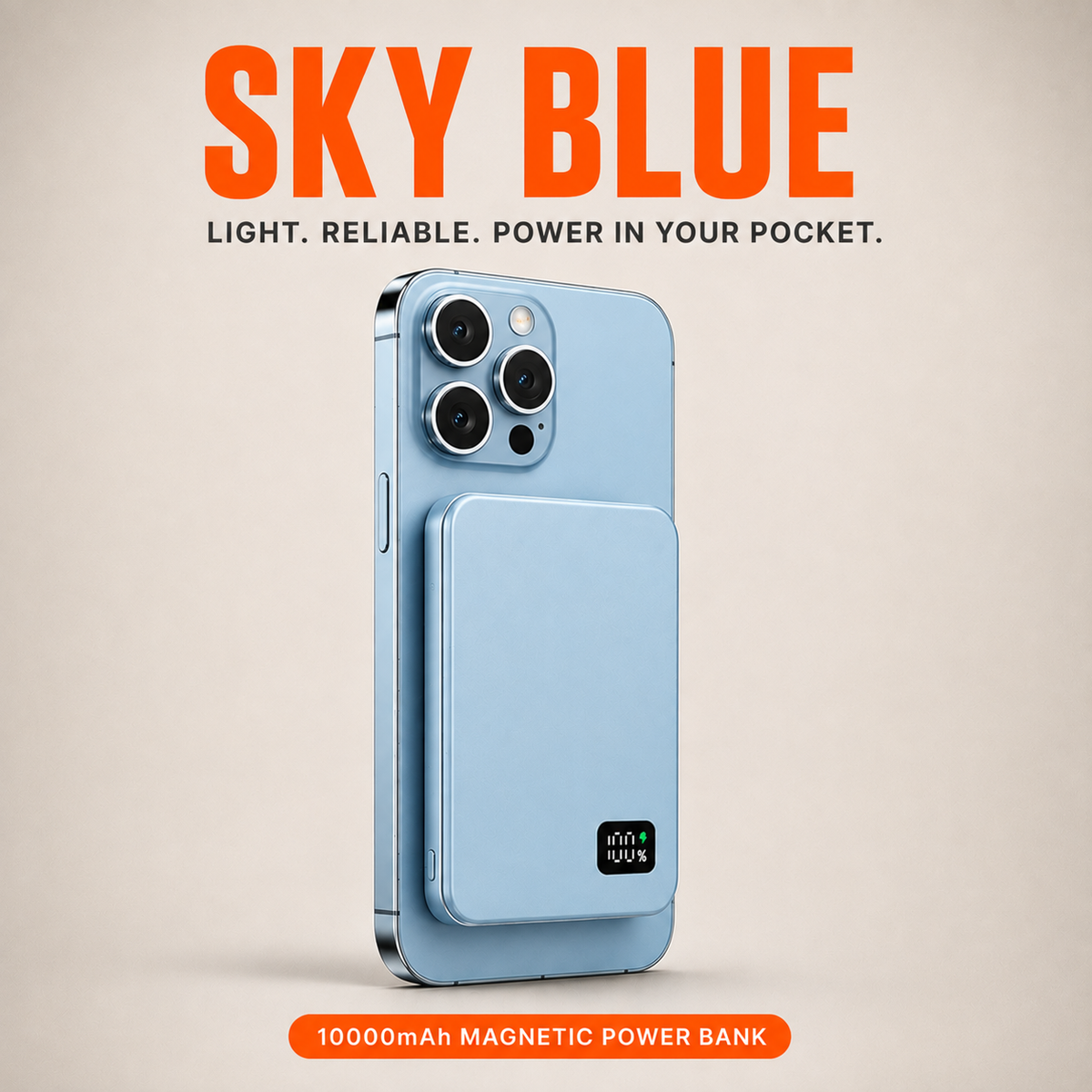
SnapCharge - The Power Bank That Ends Tangled Cables
Loved by our customers
"Real chargers. Real people. Real results."

One Snap. Full Battery. Move On.
SnapCharge locks onto your phone magnetically and starts charging the moment it clicks into place.
Works with iPhone, Samsung, and any Qi2-enabled device. No cables. No adapters. No sitting still. Just power that keeps up with you.
Real People. Real Battery Life.
We followed up with SnapCharge customers after 30 days of daily use and asked them to be straight with us. Here's what they said.
94%
said they stopped thinking about battery life during the day
97%
said the magnetic snap was more secure than they expected
96%
said SnapCharge completely replaced their old charging routine
What Customers Are Saying About SnapCharge!
-

⭐⭐⭐⭐⭐
"Honestly didn't expect much, but this thing has been snapped to my phone every single day since it arrived. Best $60 I've spent this year."
-

⭐⭐⭐⭐⭐
"I'm a nurse and my phone dies fast with all the apps I use during a shift. Now I just snap it on in the break room for ten minutes and I'm good for the rest of the day."
-

⭐⭐⭐⭐⭐
"I do rideshare driving and used to carry three different cables. Now it's just this. Cleaner car, less stress, phone never dies mid-shift."


The Whole Process Is In The Name
Snap it on. Walk out. SnapCharge works in the background while you get on with your day — no cables, no outlets, no complicated required.
30-Day Money-Back Guarantee
Try SnapCharge for 30 days. If it doesn't deliver, we'll refund every cent — no questions, no hoops to jump through.
Frequently Asked Questions
FAQ
Which phones does SnapCharge work with?
SnapCharge works with any Qi2-enabled device — that includes iPhone 12 and newer, Samsung Galaxy S25 and newer, Google Pixel 10 and newer, and most modern Android flagships with wireless charging support. If your phone charges wirelessly, there's a very good chance SnapCharge works with it.
Can I use it with a case on?
Yes. SnapCharge works best with slim cases up to around 3mm thick — whether you're on iPhone or Android. Very thick or card-holding wallet cases may weaken the magnetic connection or slow charging slightly, so thinner is better.
How fast does it charge my phone?
SnapCharge delivers up to 15W of wireless power. A boost from 30% to full typically takes 60–90 minutes, depending on your phone model and how much you're using it while it charges. Most modern iPhones and Android flagships will see similar speeds.
How do I know when SnapCharge needs recharging?
The LED display on the front shows remaining battery as a percentage. When it gets low, plug it into any USB-C cable. A couple of hours is usually enough to bring it back to full.
Is it safe to leave attached to my phone overnight?
Yes. SnapCharge has built-in overcharge protection that automatically stops drawing power once your phone hits 100%, whether you're on iPhone or Android. You can leave it on overnight without worrying about heat or battery wear.
What if it doesn't start charging when I snap it on?
Make sure SnapCharge is centered on the back of your phone — the magnets will guide it into the right spot. If charging doesn't kick in within 10 seconds, remove it and reattach.
Still having trouble? Contact our support team and we'll take care of it.